AiRentoSoft 4.0 The AI-Powered Software for car rental businesses

Digital Car Rental Check-In & Check-Out: How to Reduce Delays, Errors and Damage Disputes
The rental counter is where customers decide whether your business feels efficient or frustrating. Learn how digital car rental check-in and check-out replace paper-heavy processes with a connected workflow that reduces delays, errors, and damage disputes with AiRentoSoft.
Author
AiRentoSoft Team
Published
September 16, 2026
Read Time
12 min read
Generate AI Summary

Executive Summary
Traditional check-in and check-out depend on disconnected, paper-heavy steps that create queues, typos, missed damage, and misplaced keys.
Delays and manual errors affect the entire fleet schedule and create contract, billing, verification, and chargeback problems.
Damage disputes begin with weak evidence, so pickup and return inspections need matched, time-stamped condition records.
A digital workflow moves document scanning, agreements, signatures, and payment before arrival so staff focus on exceptions.
AI license scanning, mobile damage detection, and a centralized dashboard reduce delays, errors, and disputes across every location.
The rental counter is where customers decide whether your business feels efficient or frustrating.
A slow handover, repeated form filling, unclear vehicle condition, or missing key can turn a promising booking into a poor review. At the same time, every minute spent searching for outdated paperwork or resolving a damage disagreement reduces staff productivity and keeps vehicles away from their next renter.
Digital car rental check-in and check-out replace fragmented, paper-heavy processes with a connected workflow. Customers can submit information before arrival, staff can verify documents faster, and vehicle inspections can be recorded with consistent evidence.
For rental companies seeking a faster and more reliable car rental digital process, the goal is simple: move routine work away from the counter and create one accurate record from reservation to return. AiRentoSoft helps rental businesses build that connected experience.
Why Traditional Check-In and Check-Out Is Broken

Traditional rental handovers often depend on several disconnected steps:
- Staff manually type driver information.
- Customers wait while documents are copied or reviewed.
- Rental agreements are printed and signed by hand.
- Vehicle condition is recorded inconsistently.
- Keys are passed between staff without a clear status update.
- Return inspections are completed under time pressure.
- Damage notes, photos, and invoices are stored in different places.
This model creates friction at both ends of the rental.
During busy periods, a single delayed customer can create a queue. A typo in a license number can affect the agreement or insurance record. A missed scratch at pickup can become a dispute at return. A misplaced key can delay the next reservation and create unnecessary calls between the counter and vehicle lot. Consumer-protection guidance from Consumer Affairs Victoria also reinforces how clearly documented rental responsibilities, charges, and condition records matter when questions arise.
A modern car rental software platform connects these steps in one workflow, giving staff a complete view of the customer, vehicle, contract, inspection, and payment status.
The Operational Cost of Delays and Errors
A delayed check-in does more than inconvenience one customer. It can affect the entire fleet schedule.
When vehicles are returned late or inspections take too long, cleaning and preparation teams have less time to make cars rental-ready. The next customer may wait, staff may need to rearrange vehicle assignments, and managers may have to handle complaints instead of running the operation.
Manual errors create a second layer of cost. Incorrect customer details can lead to:
- Contract corrections
- Billing adjustments
- Verification delays
- Insurance documentation problems
- Duplicate data entry
- Customer support requests
- Chargeback challenges
These issues are particularly damaging for businesses with multiple locations. Without a shared system, each branch may follow a different process, creating inconsistent records and making it difficult for managers to investigate what happened.
With fleet management software, operators can centralize vehicle status, booking information, rental activity, and operational updates in real time.
Damage Disputes Begin with Weak Evidence
Damage disputes are among the most expensive and emotionally difficult conflicts in car rental.
Customers may believe a scratch was already present. Staff may believe it appeared during the rental. If the only evidence is a handwritten note or a few unclear photographs, the business faces a difficult conversation with no reliable timeline. The FTC's guidance on renting a car also emphasizes documenting vehicle condition and understanding rental terms before disputes happen.
A strong car rental damage inspection process creates a condition record at pickup and return. It should show:
- Which vehicle was inspected
- When the inspection occurred
- The vehicle's mileage and fuel level
- Existing damage
- New damage, if identified
- Relevant exterior and interior photographs
- Customer or staff confirmation
- Any related invoice or charge
The purpose is not to charge customers automatically. The purpose is to create a transparent, consistent process that gives both sides access to the same information. Advice from Consumer Reports similarly stresses the value of photo documentation and careful inspection when avoiding unfair damage charges.
What a Digital Car Rental Check-In Looks Like

A digital check-in begins before the customer reaches the rental location.
After making a reservation, the customer receives a secure request to complete key steps online. Depending on the company's policy, the customer can:
- Confirm personal and booking information.
- Scan a driver's license and upload insurance documents.
- Review rental terms.
- Complete digital signatures.
- Confirm pickup details.
- Authorize payment or deposit.
- Receive instructions for the handover.
AiRentoSoft's license scanning car rental software helps extract document details and reduce manual typing. Address lookup integration can also improve the accuracy of customer records by reducing errors during onboarding.
At arrival, staff focus on exceptions rather than repeating every routine task. The customer's verified information is already available, the agreement is ready, and the vehicle can be released after the final inspection and key handover.
The Complete Digital Check-In and Check-Out Workflow
1. Reservation
The process starts with an online reservation containing the customer, vehicle, location, dates, times, selected extras, and payment information.
A direct online reservation system can display real-time availability and help prevent double bookings. It also gives the rental company a structured starting point for every future step.
2. AI license and insurance scan
Before pickup, the customer submits the required documents. AI scanning captures relevant information and sends it into the rental record.
Staff can review exceptions such as unreadable documents, mismatched details, expired credentials, or missing insurance information without manually re-entering every field.
3. Digital agreement and signature
The customer reviews the rental agreement electronically and signs it from a phone, tablet, or computer.
Digital e-signature reduces printing, scanning, filing, and storage requirements. It also ensures the signed agreement is connected to the correct booking and customer record.
4. Vehicle inspection at pickup

A staff member or customer uses the mobile inspection workflow to record the vehicle's condition before the rental begins.
Photographs should cover consistent angles and important areas such as bumpers, doors, wheels, windows, mirrors, seats, dashboard, trunk, and fuel level. Consistency matters more than taking random photographs.
AiRentoSoft's AI-powered damage detection analyzes vehicle images and helps identify visible scratches, dents, cracks, and other differences. The inspection record becomes the baseline for the return process and creates stronger damage proof.
5. Key handover or keyless pickup
Once documents, payment, contract, and inspection are complete, staff can release the vehicle.
For businesses exploring a car rental keyless experience, the same digital record can support remote or low-contact procedures by ensuring customers receive clear instructions and the rental status is updated before vehicle access is provided. Keyless access should always be paired with identity verification, documented inspection, and clear return instructions.
6. Return inspection
At drop-off, the vehicle is inspected using the same structure as pickup.
The customer or staff records the vehicle condition, mileage, fuel level, accessories, and photographs. Using matching inspection points makes before-and-after comparison easier and reduces subjective judgments.
7. AI comparison and exception review
The system compares the pickup and return records. If a possible new mark appears, staff can review the images, timestamps, notes, and rental history before deciding whether further action is required.
AI should support the inspection process, not replace reasonable human review. A clear exception workflow protects both the company and the customer.
8. Invoice and confirmation
After the return is approved, the system can calculate applicable rental charges, extensions, fuel adjustments, mileage fees, or damage-related charges according to company policy.
The customer receives an electronic confirmation, invoice, or receipt. Staff retain the complete rental record for future reference.
How Digital Workflows Reduce Delays
Digital processes reduce counter time by completing repetitive tasks earlier.
Automated email reminders can prompt customers to submit documents, complete signatures, confirm pickup details, and prepare for return. This prevents staff from discovering missing information at the busiest point of the day.
Pre-filled forms eliminate repeated typing. Real-time vehicle availability helps staff identify the correct car quickly. Digital contracts remove printing and scanning. Mobile access allows inspections to happen beside the vehicle rather than at a desk.
An AI reservation agent can also handle booking questions and reservation requests outside business hours, ensuring that customer communication does not stop when the office closes.
How Digital Workflows Reduce Errors
The strongest digital workflows reduce the number of times information is entered.
License scanning captures customer details directly from the document. Address lookup reduces spelling and formatting mistakes. Digital signatures connect agreements to the right booking. Real-time synchronization ensures that changes made by one team member are visible to others. Official consumer guidance from GOV.UK also highlights the importance of accurate inspections, clear charges, and reliable rental records.
A centralized dashboard can help managers monitor:
- Vehicles awaiting inspection
- Customers missing documents
- Rentals ready for pickup
- Vehicles overdue for return
- Completed inspections
- Outstanding payments
- Damage exceptions
This visibility is especially valuable for multi-location operators managing different branches, teams, and vehicle categories, especially when fleet operations need to stay synchronized in real time.
How Digital Workflows Reduce Damage Disputes
The most effective dispute prevention strategy is a matched evidence trail.
The pickup and return inspections should use the same vehicle, the same inspection categories, and comparable photographs. Time-stamped records show when the condition was documented. AI-assisted image comparison highlights areas that require attention and creates stronger damage proof. Digital agreements show what the customer accepted before driving away.
When a dispute occurs, staff can present a clear sequence:
- Vehicle condition before rental
- Customer agreement and signature
- Vehicle condition after return
- Identified difference
- Review and resolution
- Related invoice or communication
This approach is more professional than relying on memory, scattered images, or informal notes. It also aligns with ACCC car hire guidance, which underscores how clear inspection evidence and well-documented charges support fair dispute resolution.
Why AiRentoSoft Is the Best Option for Digital Car Rental

AiRentoSoft is designed as an all-in-one platform for rental businesses that want to move beyond disconnected tools.
Its digital workflow connects reservations, fleet operations, customer records, document verification, signatures, inspections, payments, and communications. Key capabilities include:
- Mobile Damage Detection for inspections before and after rentals
- AI license and insurance scanning
- License and insurance verification
- Digital e-signatures
- Automated email reminders
- Address lookup integration
- Online booking and direct reservations
- Payment processing and invoicing
- Real-time operational dashboard
- Mobile apps for owners, staff, and renters
- Multi-location management
- Traffic ticket management
- AI-powered reservation and call assistance
The platform is cloud-based, accessible across devices, and built with more than 15 years of car rental industry expertise. AiRentoSoft is trusted by rental businesses in more than 50 countries and provides a stated 99.95% uptime guarantee.
For businesses ready to modernize their car rental management system, AiRentoSoft offers a practical path from paper-based handovers to a faster, more transparent digital experience.
You can book a personalized demo to review the workflow for your fleet or explore the free trial to experience the platform firsthand. Businesses also planning a new online presence can explore car rental website development with an integrated booking experience.
Frequently Asked Questions
What is digital car rental check-in?
Digital car rental check-in is a paperless process that allows customers to submit documents, review rental terms, sign agreements, confirm payment, and complete required steps before or during vehicle pickup.
How does digital check-in reduce customer waiting time?
It moves document collection, form completion, and signatures away from the counter. Staff can verify information in advance and focus on final approval, vehicle handover, and customer questions.
What is digital car rental check-out?
Digital car rental check-out is the electronic return process. It records the vehicle's condition, mileage, fuel level, accessories, return time, and any new damage before generating the final rental record or invoice.
Can AI scan driver's licenses and insurance documents?
Yes. AiRentoSoft includes AI license and insurance scanning tools that help extract document information and reduce manual data entry during the rental process.
How does AI damage detection work?
The system analyzes vehicle photographs captured during pickup and return. It compares the records and highlights possible differences such as scratches, dents, cracks, or panel damage for staff review using AI-powered damage detection.
Does digital inspection eliminate all damage disputes?
No system can eliminate every disagreement. However, consistent photographs, timestamps, digital records, and before-and-after comparisons provide stronger evidence and can significantly simplify dispute resolution.
Can a car rental business offer keyless pickup?
A business can design a low-contact or keyless pickup workflow when its access technology, security controls, insurance requirements, and operating procedures support it. Digital identity checks and documented inspections remain essential.
Is digital e-signature legally useful for rental agreements?
Digital signatures can create a clear record of customer acceptance, but requirements vary by jurisdiction and contract type. Rental businesses should ensure their agreements and signature process meet applicable local laws.
Can digital check-in work for multi-location rental companies?
Yes. A centralized cloud platform can help multiple branches share booking, customer, vehicle, inspection, payment, and operational information in real time.
How can I see whether AiRentoSoft fits my rental business?
You can request a demo for a guided walkthrough or start with the AiRentoSoft free trial to explore its digital rental workflows.
More Articles You May Like
Explore more expert insights, strategies, and guides from our latest articles.
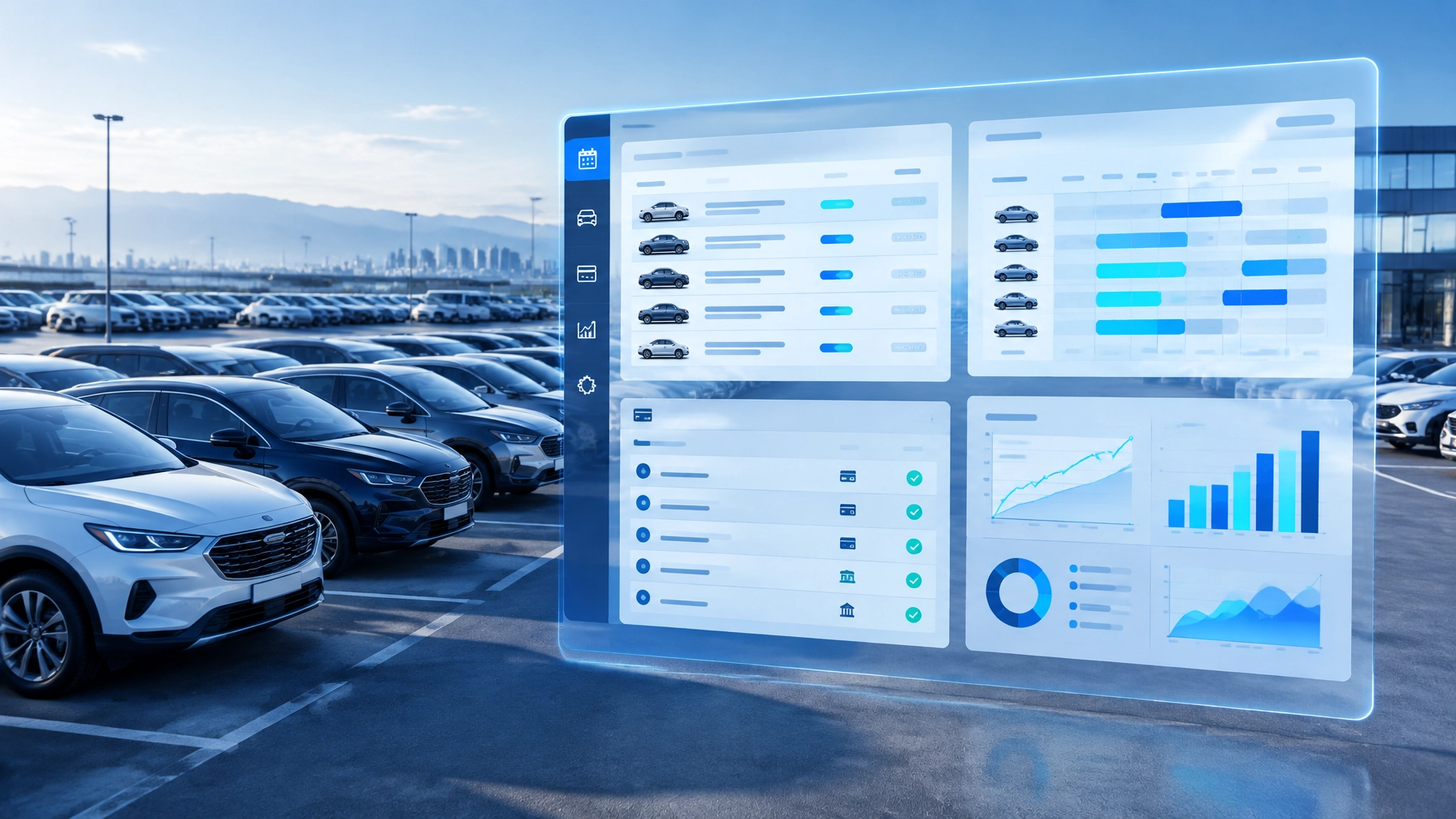
10 Features Every Car Rental Software Should Have
Explore 10 essential car rental software features, from booking and fleet management to AI assistance, inspections, payments and multi-branch reporting.

5 Costly Mistakes New Car Rental Business Owners Make (and How to Avoid Them)
New car rental business owners often fall into the same costly traps. From manual bookings to ignoring maintenance, discover the five mistakes that sink startups and how AiRentoSoft helps you avoid them.
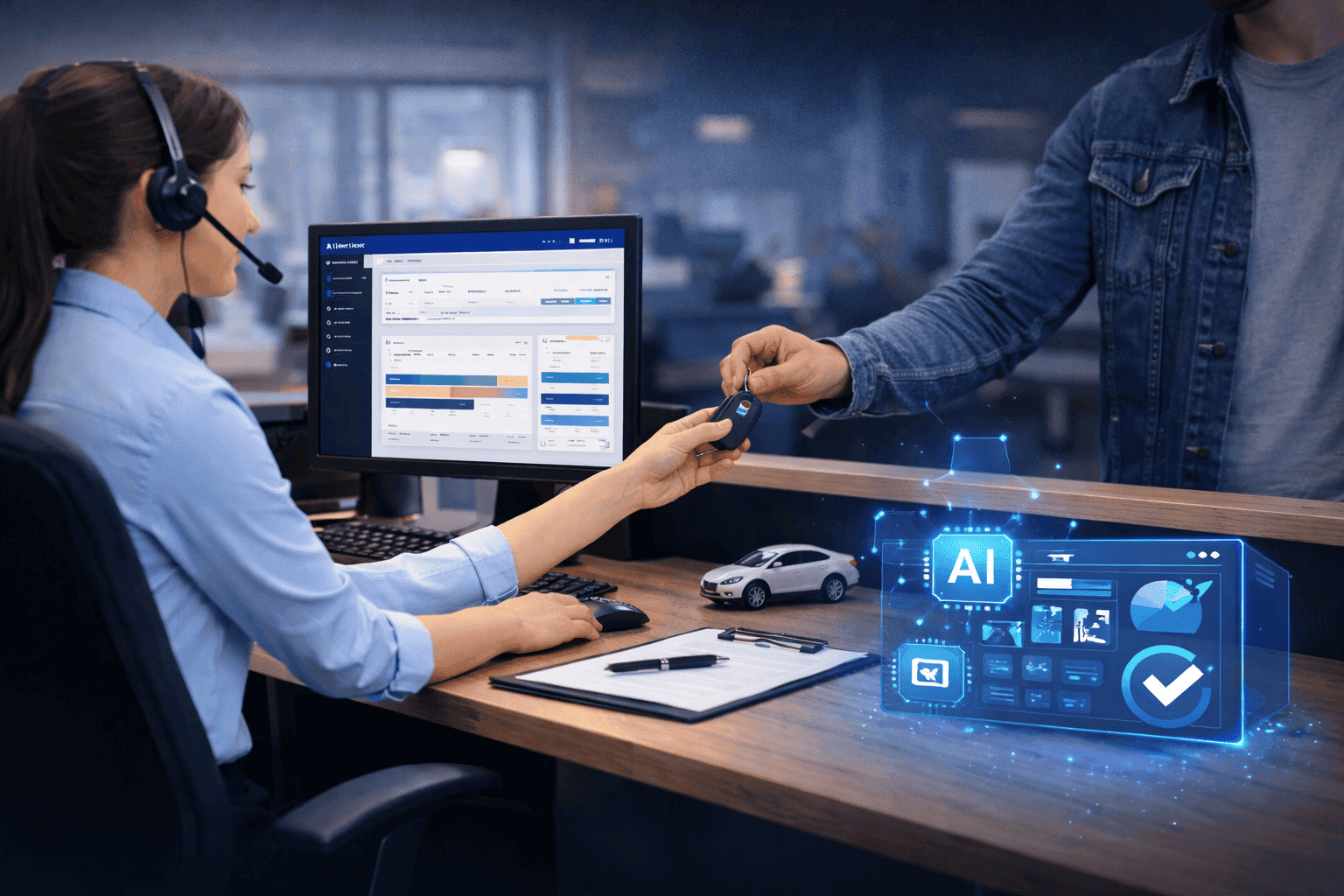
How to Avoid Staff Mistakes During Booking or Vehicle Handover With AiRentoSoft
Staff mistakes in bookings and vehicle handovers can cause disputes, lost revenue, and customer dissatisfaction. Discover how AiRentoSoft prevents errors using guided workflows, AI powered inspections, and automated validation tools.
Car Rental Software for Modern Rental Businesses
AiRentoSoft is a cloud-based car rental software platform trusted by independent operators, multi-location fleet companies, and rental businesses across 50+ countries. Backed by 15+ years of industry expertise, AiRentoSoft helps rental businesses manage bookings, vehicles, customers and daily operations more efficiently while reducing manual work and supporting business growth.
