AiRentoSoft 4.0 The AI-Powered Software for car rental businesses

10 Features Every Car Rental Software Should Have
Explore 10 essential car rental software features, from booking and fleet management to AI assistance, inspections, payments and multi-branch reporting.
Author
AiRentoSoft Team
Published
October 14, 2026
Read Time
16 min read
Generate AI Summary
Executive Summary
The right car rental software connects bookings, vehicles, customer records, payments and rental documents in one workflow.
Core features include online booking, real-time fleet availability, automated pricing, customer management and driver verification.
Secure payments, digital agreements, vehicle inspections and automated communication reduce manual work and disputes.
Multi-location management and reporting dashboards give managers a shared view across branches and performance.
AI-powered tools can assist with calls, document scanning and damage detection, but staff should review exceptions and decisions.
Is Your Car Rental Software Helping Your Business Grow or Holding It Back?
A customer books a vehicle online while your staff are updating a spreadsheet. Two reservations land on the same car. A payment still needs chasing, the rental agreement is waiting to be printed, and the phone rings while a driver is asking where to pick up. When routine tasks compete for attention, even a well-run rental business can feel harder to manage than it should.
The right car rental software features connect these moving parts. They help teams keep bookings, vehicles, customer records, payments, and rental documents organized in one workflow. That can reduce avoidable manual work and make it easier to give customers a clear, consistent experience.
This guide covers 10 essential car rental software features to look for, what each one does, and the everyday operational problems it can help solve.

Why Choosing the Right Car Rental Software Features Matters
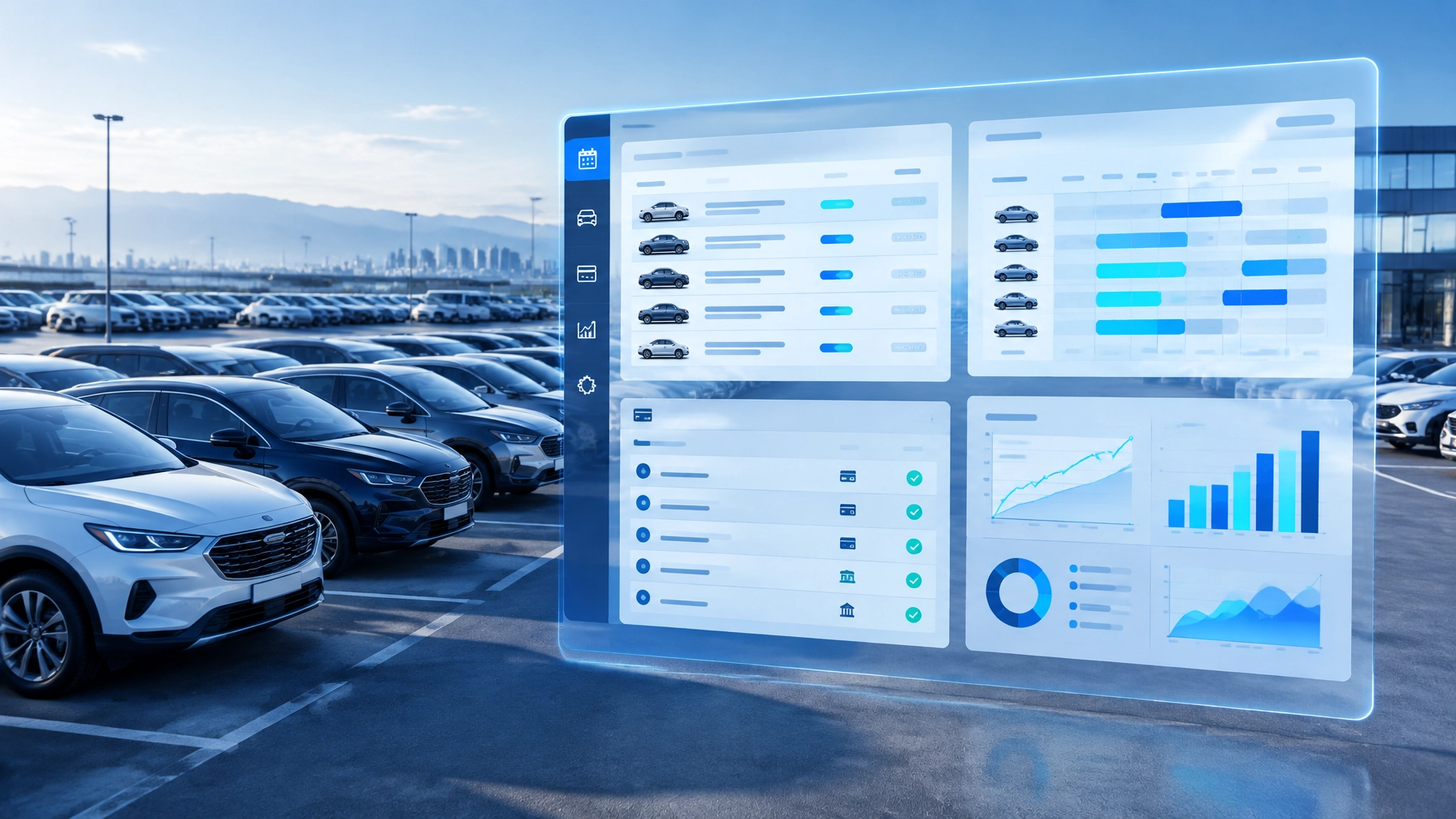
Car rental management software is more than a digital booking calendar. A useful platform connects the customer journey with the work happening behind the scenes: checking vehicle availability, preparing agreements, recording inspections, processing payments, and coordinating staff.
That connection matters as a business grows. Information scattered across separate spreadsheets, inboxes, and payment tools can be difficult to keep current. Staff may have to enter the same details multiple times or call another branch to confirm a vehicle's status. A connected system can give teams a shared view and help standardize routine processes.
The best car rental management software is not necessarily the one with the longest feature list. It is the one that fits the company's operating model today and can support its plans for tomorrow, whether that means serving more customers, adding vehicles, or opening another location.
10 Must-Have Features Every Car Rental Software Should Include
Feature 1: Online Booking and Reservation Management
An online car rental reservation system lets customers search for vehicles, choose rental dates, review options, and submit a booking without relying entirely on calls or staff-entered reservations. For the operator, a centralized booking system keeps reservations, customer details, dates, and status in one place.
Look for tools to confirm bookings and manage changes or cancellations, as well as a clear view of upcoming pickups and returns. A website booking engine can also give customers access to your fleet outside office hours. For search visibility and a useful customer-facing site, Google's Search Central documentation explains how site owners can make pages easier for search engines to understand.
For example, a customer booking a vehicle for a weekend can see available options and submit a reservation online. Staff then have a record to prepare, rather than a voicemail to transcribe. AiRentoSoft describes its platform as including a direct online booking engine; learn about its car rental software.
Feature 2: Real-Time Fleet and Vehicle Availability Management

Car rental fleet management software should show whether each vehicle is available, reserved, rented, being prepared, or unavailable for maintenance. Status updates tied to reservations help the team avoid offering the same car twice and understand which vehicles can be assigned to an upcoming booking.
A practical example: a customer extends a rental. If the booking record is updated promptly, staff can see that the vehicle is no longer available for the next pickup and offer another suitable car. Without a shared status view, that conflict may only surface when the next customer arrives.
AiRentoSoft lists fleet scheduling and availability tools, maintenance tracking, and real-time GPS and telematics integration. Its fleet management software describes tools for tracking vehicle history, availability, and scheduling.
Feature 3: Automated Pricing and Rate Management
Rate management allows a business to set prices and rules for different vehicle classes, rental periods, locations, seasons, discounts, and optional services. The system can apply those configured rules consistently when calculating a quote or booking total.
This type of pricing automation is not automatically the same as AI-based dynamic pricing. Configurable rules apply the rates an operator has chosen. Dynamic pricing, when available, adjusts or recommends rates based on defined inputs and system capabilities. Ask vendors exactly how rates are calculated and what staff can control.
For instance, a company may set a different daily rate for a longer rental period and apply a separate fee for an optional service. The system can calculate the total from the business's configured rules, reducing manual arithmetic and inconsistent quotes. Before choosing a platform, check that the pricing workflow supports your policies and clearly shows how charges are itemized.
Feature 4: Customer Management and Driver Verification

A customer management system keeps renter profiles, contact information, rental history, and relevant documents connected to bookings. Driver verification tools can help staff capture and review license and insurance details, reducing repetitive typing while keeping the required information accessible to authorized team members.
Picture a returning customer making a new reservation. A staff member can review the existing profile, confirm current documents, and update information where needed instead of starting from a blank form. The business still needs to apply its own eligibility rules and review any exceptions.
AiRentoSoft documents an AI Licence and Insurance Scanner and verification capabilities. Its license scanning software describes scanning and processing license and insurance information. Collect only the information your business needs, and set clear controls for who can access it.
Feature 5: Secure Payment Processing and Automated Billing
A car rental payment management system should help staff track payment status, handle deposits or holds where supported, issue invoices, and record additional charges or refunds. Connecting payment processing to the reservation can reduce separate reconciliation work and make it easier to see which bookings still need attention.
For example, the team can check whether payment information is recorded before pickup and later connect the completed rental to its invoice. A payment provider still handles important parts of the transaction, so ask how card data is protected and which responsibilities remain with your business. The PCI Security Standards Council provides guidance and standards related to payment card security.
AiRentoSoft lists payment processing among its core modules and documents integrations including Stripe, Cardknox, PayPal, and Nuvei. Check the current car rental software integrations to confirm which connections suit your workflow.
Feature 6: Digital Rental Agreements and Electronic Signatures

Digital car rental agreements allow a business to prepare, send, sign, and store rental documents electronically. A strong workflow connects the signed agreement to the right renter and reservation, making records easier to retrieve than paper forms kept in separate folders.
For example, a customer can review and sign an agreement on a phone before pickup. Staff can confirm that the required document is complete and spend less time printing, scanning, and filing. Digital processes do not remove the need for clear terms or legal review; rental businesses should make sure their agreements and signature process meet applicable requirements.
When assessing vehicle rental management software, ask how the platform handles document versions, storage, and access permissions. AiRentoSoft lists digital e-signature as one of its operational features.
Feature 7: Vehicle Inspection and Damage Management

Inspection tools record a vehicle's condition at pickup and return. They may include photos, notes, timestamps, and a history associated with the vehicle and rental. Using a consistent process for both inspections makes it easier to review the record if a customer or staff member raises a question.
For instance, a staff member photographs the vehicle before handover and again at return. If the records show a possible difference, the team can review the images and notes before deciding on next steps. Inspections should also fit into broader safety and maintenance processes. The National Highway Traffic Safety Administration provides vehicle safety and recall information that operators can consult as part of responsible fleet management.
AiRentoSoft documents AI Damage Detection that compares baseline and return photos to flag possible differences for review. Its AI damage detection feature supports digital vehicle inspection workflows.
Feature 8: Automated Customer Communication and AI Assistance
Automated communication can send useful booking confirmations, pickup reminders, or return notices according to the business's workflow. AI assistance can also help manage routine customer inquiries, giving staff more time for questions that need personal attention.
Imagine a customer calling after business hours to ask about a reservation. A call agent can handle routine questions and provide booking assistance, while the team follows up on requests that need human review. Clear escalation options matter: automation should make support more accessible, not leave customers stuck in a loop.
AiRentoSoft describes a 24/7 AI Call Agent for inbound calls and booking assistance, along with automated email reminders. Learn about its AI call agent for car rental businesses.
Feature 9: Multi-Location and Branch Management
Multi-location car rental software helps businesses oversee bookings, vehicles, and operational activity across branches from a shared system. Depending on the platform, teams may also be able to manage location-specific availability, staff access, and workflows.
Suppose one branch receives a return while another is preparing for a pickup. A centralized view can help the right employees see vehicle status and coordinate next steps without relying on a chain of calls. It also helps managers compare activity across locations using consistent records.
AiRentoSoft lists multi-location management as a platform capability. Its multi-location car rental software outlines a centralized approach for operators with multiple branches.
Feature 10: Reporting, Analytics and Business Performance Dashboards

A dashboard brings operational information together so managers can review activity without manually assembling reports from several sources. Useful measures may include reservations, vehicle status, fleet utilization, payment records, and location-level performance, depending on the software and the data captured.
For example, a manager reviewing vehicle utilization can identify cars that spend more time unavailable than expected, then investigate whether maintenance scheduling, booking patterns, or preparation time is contributing. Reports are most useful when teams understand how each metric is defined and can trace it back to reliable records.
AiRentoSoft describes a real-time dashboard and reporting capabilities. When evaluating any system, check which reports are included, whether data can be exported, and how frequently dashboards update.
How AI-Powered Features Are Changing Car Rental Management
AI-powered car rental software can assist with tasks that involve reviewing information, identifying patterns, or responding to routine requests. In a rental operation, examples include extracting details from licenses and insurance documents, flagging possible changes between vehicle inspection photos, and helping answer inbound calls.
AiRentoSoft's documented AI capabilities include its AI Call Agent, AI Licence and Insurance Scanner, AI Licence and Insurance Verification, and AI Damage Detection that compares baseline and return photos. These tools can support staff workflows, but they should not replace human review or supervision. Staff should assess unclear documents, flagged damage, and other exceptions before making decisions.
AI is a broad field, not a guarantee of a particular result. IBM's overview of artificial intelligence explains key concepts behind systems that perform tasks associated with human intelligence. When assessing a vendor, ask what the AI actually does, what information it uses, and how staff can review its output.
Traditional Car Rental Software vs. Modern AI-Powered Solutions
| Capability | Traditional Rental Software | Modern AI-Powered Solutions |
|---|---|---|
| Booking management | Records and organizes reservations, depending on the product | May assist with routine inquiries and booking workflows |
| Fleet availability | Tracks vehicle status and schedules | May combine status with connected location or telematics data |
| Customer verification | Supports staff-led document review | May scan or help verify document information |
| Payment processing | Records payments and billing activity | May connect payment workflows with automated records |
| Vehicle inspection | Stores staff notes and photos | May compare images and flag possible changes for review |
| Customer communication | Supports staff-led calls and messages | May automate reminders or assist with routine calls |
| Reporting and analytics | Provides reports based on recorded activity | May add automated summaries or analysis, depending on the system |
| Automation capabilities | Automates configured administrative steps | May use AI for selected tasks, with human oversight |
Traditional software can already include many advanced functions. The meaningful difference depends on the specific product, its configuration, and the workflows it supports, not simply on how recently it was developed.
How to Choose the Best Car Rental Management Software for Your Business
Use this checklist to compare systems against the way your rental operation actually works:
- Ease of use and onboarding: Can staff learn the main workflows without unnecessary complexity? What training and setup are provided?
- Essential functionality: Does the platform cover reservations, fleet status, customer records, billing, agreements, and inspections?
- Scalability: Can it accommodate more vehicles, users, or branches as your business changes?
- Integration options: Does it connect with the payment, accounting, website, or telematics tools you already use?
- Data security: Ask how customer information is stored, who can access it, and how access is managed. The FTC's privacy and security guidance for businesses offers practical considerations for protecting data.
- Customer support: What support channels and response expectations are available?
- Pricing transparency: Understand the billing model, included features, setup costs, and any charges for optional services.
- Implementation requirements: Ask what data can be migrated, what your team must prepare, and what the changeover timeline involves.
Before making a decision, ask vendors: Can you demonstrate our most common booking and return workflows? Which tasks are automated, and which require staff approval? What integrations are available for our region? How can we export our records if we leave? What support is included after onboarding?
Why AiRentoSoft Is a Smart Choice for Modern Car Rental Businesses
AiRentoSoft presents itself as a cloud-based car rental management platform trusted in more than 50 countries and built on more than 15 years of car rental industry expertise. The company is listed on major review platforms, including Capterra and GoodFirms.
Its core modules cover website development and a booking engine, fleet management, customer and billing management, and payment processing. The platform also documents AI tools for call handling, license and insurance scanning and verification, and damage detection. Other listed capabilities include three mobile apps for owners, staff, and renters; a real-time dashboard; digital e-signature; address lookup; automated email reminders; multi-location management; traffic ticket management; and real-time GPS and telematics integration.
AiRentoSoft lists more than 18 integrations, including Stripe, Cardknox, PayPal, Nuvei, QuickBooks, Google Analytics, and Mailchimp. It also states 99.95 percent uptime. Businesses should review the current product details and confirm that the features, integrations, service commitments, and implementation arrangements fit their needs.
An integrated system can reduce the need to move between disconnected tools for bookings, fleet operations, customers, and billing. To see how the workflows might fit your business, request an AiRentoSoft demonstration.
Build a Smarter Car Rental Business with AiRentoSoft
Choosing software with the right ten features can help rental teams organize daily work, reduce repetitive administration, keep vehicle information visible, and provide customers with a smoother experience. The right system should fit your current operation while giving you room to adapt as your business grows.
AiRentoSoft is an excellent option for operators looking for a cloud-based platform with booking, fleet, customer, billing, payment, and AI-supported workflows. Explore the platform, review its capabilities, or request a demonstration to see whether it matches your operation.
Prefer to Rent a Car Rather Than Manage a Rental Business?
AiRentoSoft provides car rental management software for rental operators. Zoom Rentals provides vehicle rental services for customers. They are distinct businesses, and no partnership, integration, or customer relationship is implied.
If you are looking to rent a vehicle, explore Zoom Rentals. If you manage a rental business, explore AiRentoSoft's software and request a product demonstration.
Frequently Asked Questions
1. What are the most important features of car rental software?
The most important features typically include online booking, real-time fleet availability, customer management, payment processing, digital agreements, inspections, communication tools, multi-location support, and reporting.
2. How does car rental management software improve business efficiency?
It brings bookings, vehicle status, customer records, and rental tasks into connected workflows. This can reduce duplicate data entry and make operational information easier for staff to find.
3. Can car rental software prevent double bookings?
It can help prevent double bookings by updating vehicle availability as reservations and rental statuses change. Results depend on accurate records and properly configured workflows.
4. What is the role of AI in car rental management software?
AI can assist with tasks such as scanning documents, flagging possible vehicle damage in photos, and handling routine customer calls. Staff should review exceptions and oversee important decisions.
5. Does car rental software support online payments and digital contracts?
Many platforms support payment processing and digital agreements. Available payment methods and contract features vary, so confirm the specific capabilities with the provider.
6. Is car rental management software suitable for small rental businesses?
Yes. It can help small operators organize bookings, vehicles, customer records, and rental documents. Choose a system whose workflow and cost structure match your business size.
7. Can car rental software manage multiple branches?
Some platforms support multi-location operations by centralizing bookings, fleet status, and branch workflows. Confirm that location-level permissions and processes meet your needs.
8. What makes AiRentoSoft different from traditional rental management systems?
AiRentoSoft combines rental management modules with documented AI tools, mobile apps, integrations, and cloud-based access. Compare its current features with your requirements to determine fit.
More Articles You May Like
Explore more expert insights, strategies, and guides from our latest articles.

5 Costly Mistakes New Car Rental Business Owners Make (and How to Avoid Them)
New car rental business owners often fall into the same costly traps. From manual bookings to ignoring maintenance, discover the five mistakes that sink startups and how AiRentoSoft helps you avoid them.

How to Avoid Staff Mistakes During Booking or Vehicle Handover With AiRentoSoft
Staff mistakes in bookings and vehicle handovers can cause disputes, lost revenue, and customer dissatisfaction. Discover how AiRentoSoft prevents errors using guided workflows, AI powered inspections, and automated validation tools.

Best Car Rental Software in 2026: Why AiRentoSoft Tops the Charts
Discover why AiRentoSoft leads in 2026, with intelligent automation, flexible integrations, and user friendly design built to power the future of car rental businesses.
Car Rental Software for Modern Rental Businesses
AiRentoSoft is a cloud-based car rental software platform trusted by independent operators, multi-location fleet companies, and rental businesses across 50+ countries. Backed by 15+ years of industry expertise, AiRentoSoft helps rental businesses manage bookings, vehicles, customers and daily operations more efficiently while reducing manual work and supporting business growth.
